Oct 26–28, 2026 · Las Vegas · Caesars Forum
Plan your SuiteWorld. Skip the clashes.
Every session in the 2026 catalog, one honest agenda. Search 300 sessions, build a conflict-free schedule down to the minute, and carry it with you.
What it does
Three views, one plan.
The same agenda, seen the way you need it — a searchable catalog, a day-by-day grid, and a clean list that flags every overlap.
Browse
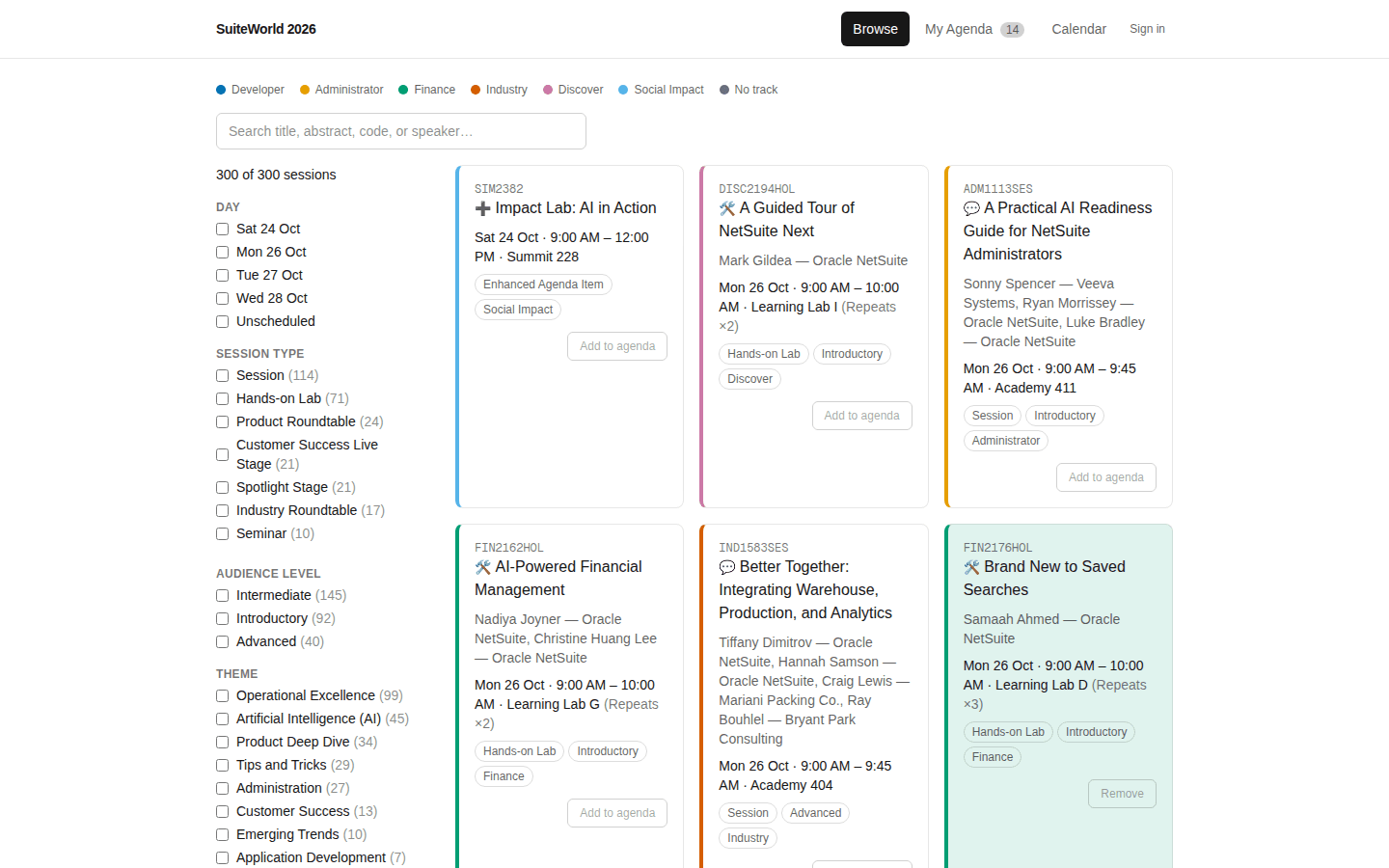
The whole catalog, filtered your way.
All 300 sessions with instant search and facet filters — day, track, session type, audience level, product area. Add to your agenda in one click.
- Search titles, abstracts, codes, and speakers
- Track colors and session-type icons at a glance
- Sessions already on your agenda are shaded in their track color
Calendar
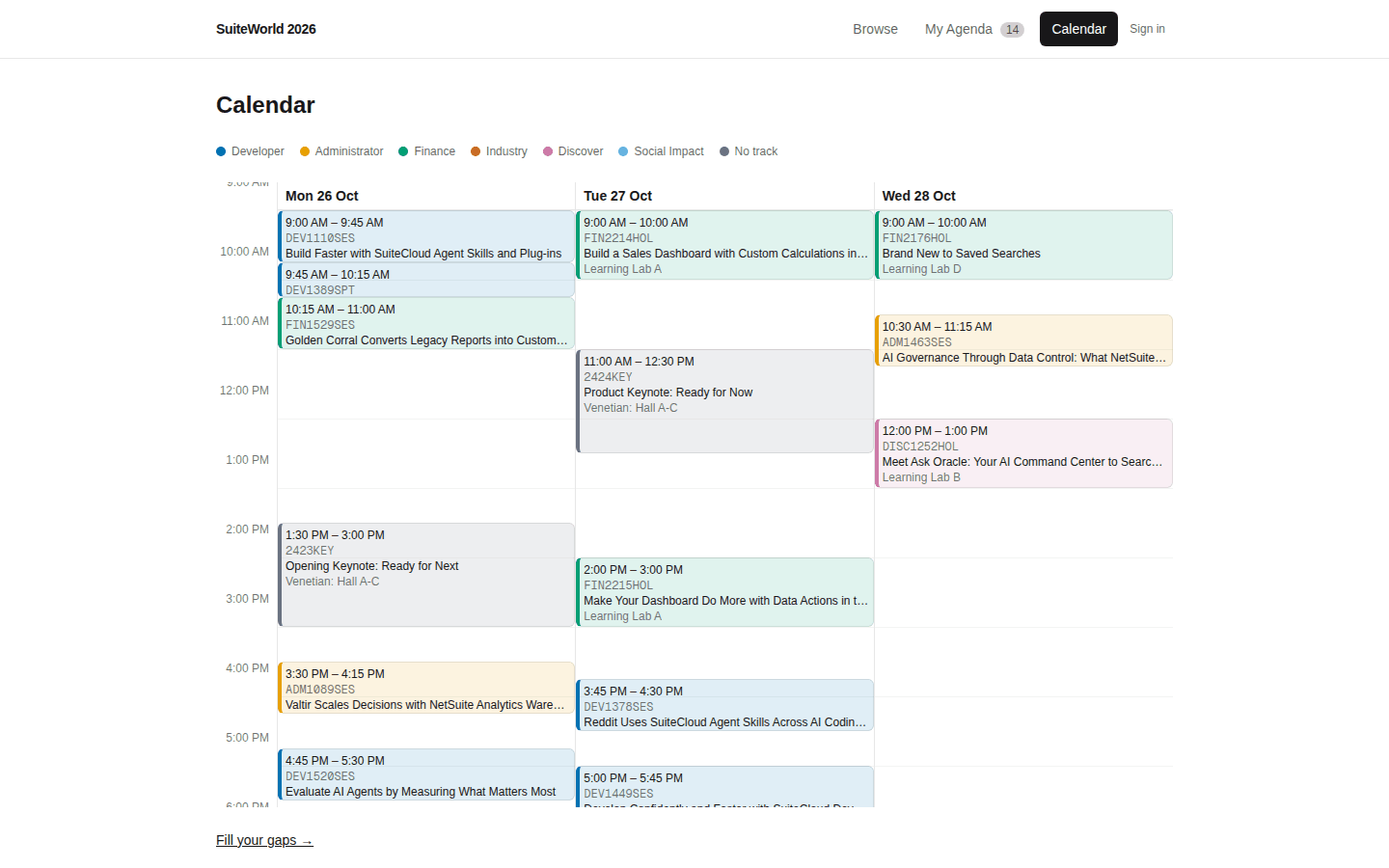
See your days at a glance.
A minute-accurate day grid for Mon–Wed. Overlaps surface as side-by-side lanes with a warning ring, keynotes are marked in gold, and lunch is blocked out so you don't schedule over it.
- Venue-local time — your device's timezone never shifts it
- Conflicts shown as lanes, not hidden
- “Fill your gaps” suggests clash-free sessions for the holes
Agenda
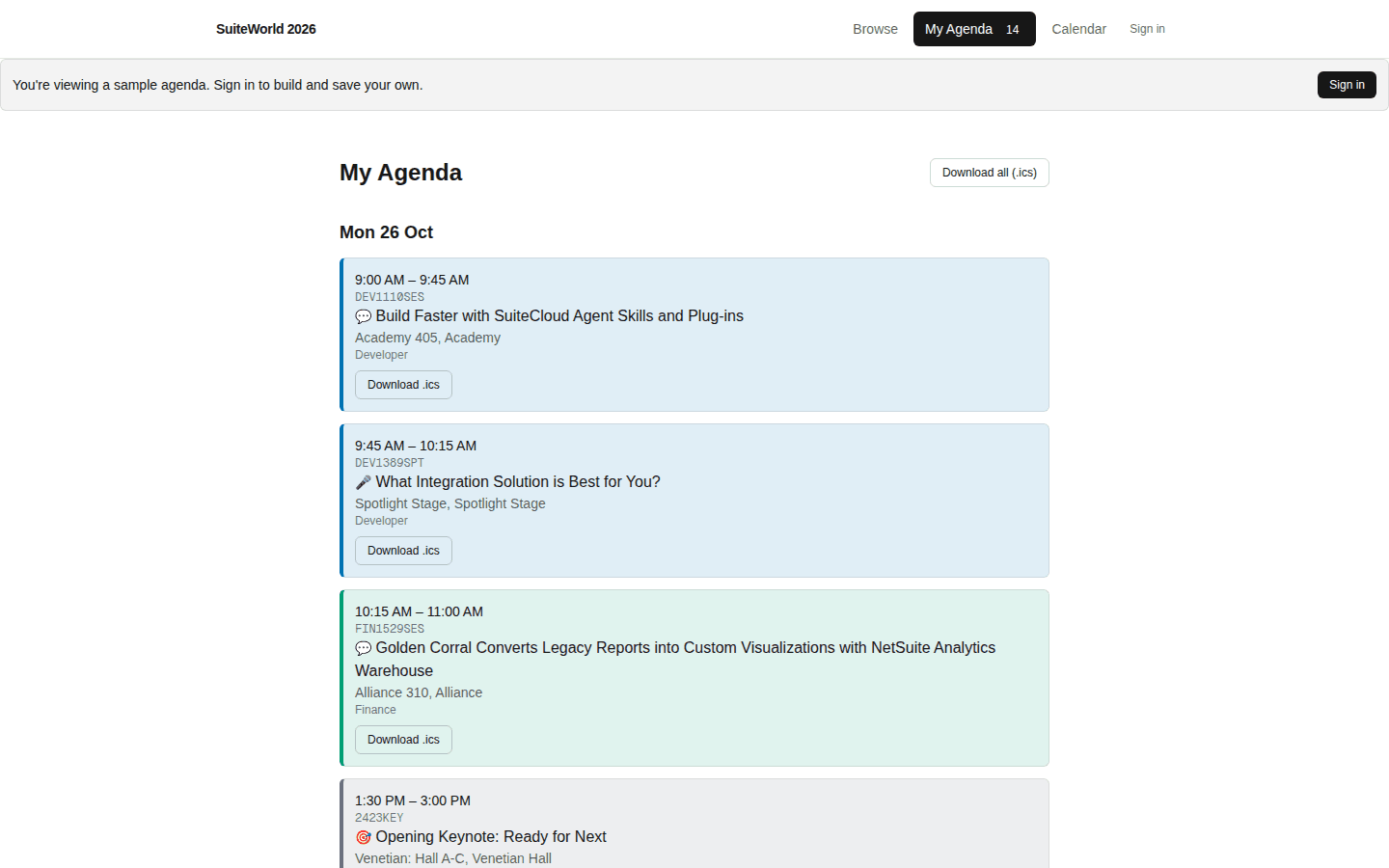
One list, no surprises.
Your picks in order, each with room and building, every overlap called out in minutes. Change the slot of a repeating session, or export the whole thing as a calendar file.
- Honest conflict detection — back-to-back never counts as a clash
- Download a single session or your full agenda as .ics
- Sign in and it follows you across devices
How it works
From 300 sessions to your four days.
- Step 1
Browse & add
Filter the catalog and add the sessions you want — as many as you like.
- Step 2
See the clashes
Overlaps are flagged in minutes on both the list and the calendar grid.
- Step 3
Fill the gaps
Get clash-free suggestions for the empty holes between your picks.
- Step 4
Take it with you
Export to .ics, or sign in to keep your agenda synced across devices.
Your own agenda
Browse free. Sign in to build your agenda.
Anyone can explore the full catalog — no account required. An account is only needed to build and save a personal agenda, kept separate from everyone else’s.